On this page: Background and Purpose | Authoring Considerations | WCAG Requirement | Instructions | Guidelines and Standards

Lists
This checkpoint is applicable in both Word and PowerPoint.
Background and Purpose
If lists are properly structured in PDFs, when assistive technology encounters a list it will identify it as a list, for the end user. In addition, users will be able to navigate efficiently through the lists.
The Purpose of this checkpoint is to ensure that lists have been properly constructed in Word and PowerPoint so they will be tagged correctly in the PDF.
Authoring Considerations:
Here are some list-authoring best practices to keep in mind.
- When creating lists, use the list functionality in Word and PowerPoint, as opposed to “manually” building your lists.
- If you’re inserting additional paragraphs of text, or images, for example, in your lists, use a “soft return” (Shift+Enter) so you don’t break a list into separate pieces.
- Only use the list functionality where a list is intended.
- In PowerPoint, if you have a list that should appear in two columns, create one list and then format it into columns as opposed to putting each half of the list in its own Content Placeholder.
WCAG Requirement:
Information, structure, and relationships communicated visually also need to be communicated by processors and assistive technology. This applies to lists, including their structure and the relationships between list items, for example.
For more information from the W3C
Refer to the W3C webpage on Understanding Success Criteria 1.3.1 Info and Relationships.
This is a Level A success criteria.
Instructions
CommonLook Office will display all of the lists in the document.
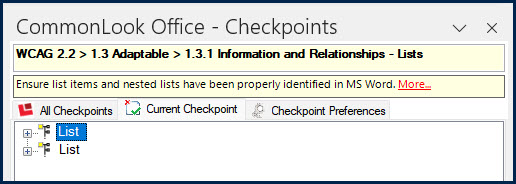
For each of the lists shown in the Current Checkpoint panel:
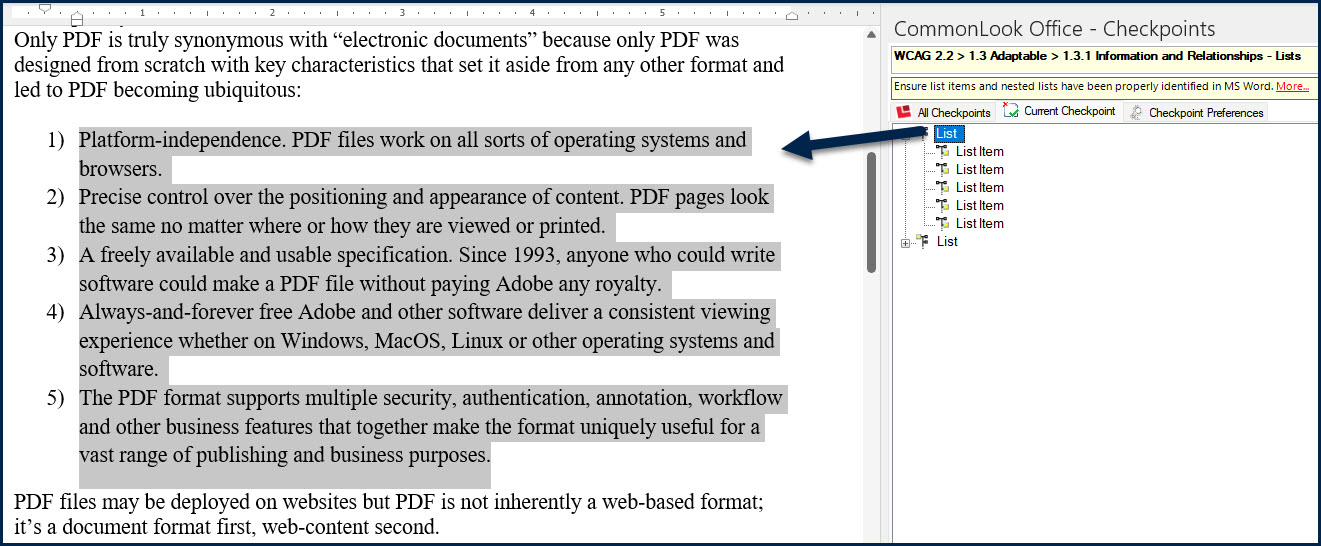
- Select the list in the CommonLook Office panel. The corresponding list will be highlighted in the physical view of the Word document.
- Expand the list, in the CommonLook Office panel, to show the individual list items.
- Verify that the selected list includes all of the necessary list items.
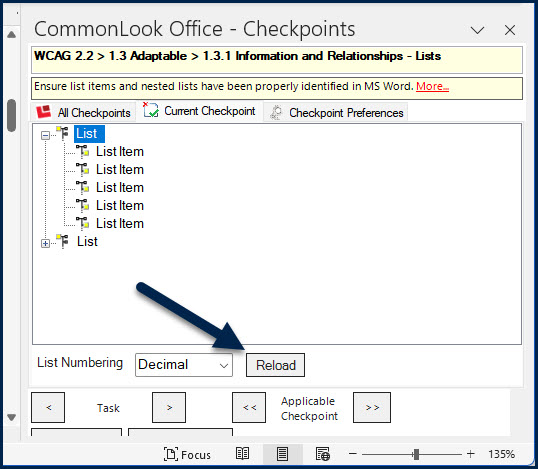
- If the list items displayed in the task panel do not correctly reflect the list items in the document, edit the list (in Word or PowerPoint) and use the “Reload” button reload the list checkpoint.
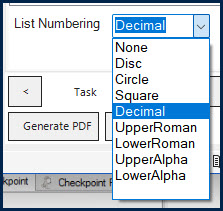
- In CommonLook Office, select each List (not the List Items) and verify that the List Numbering value is correct. If needed, expand the List Numbering menu to choose the correct option.
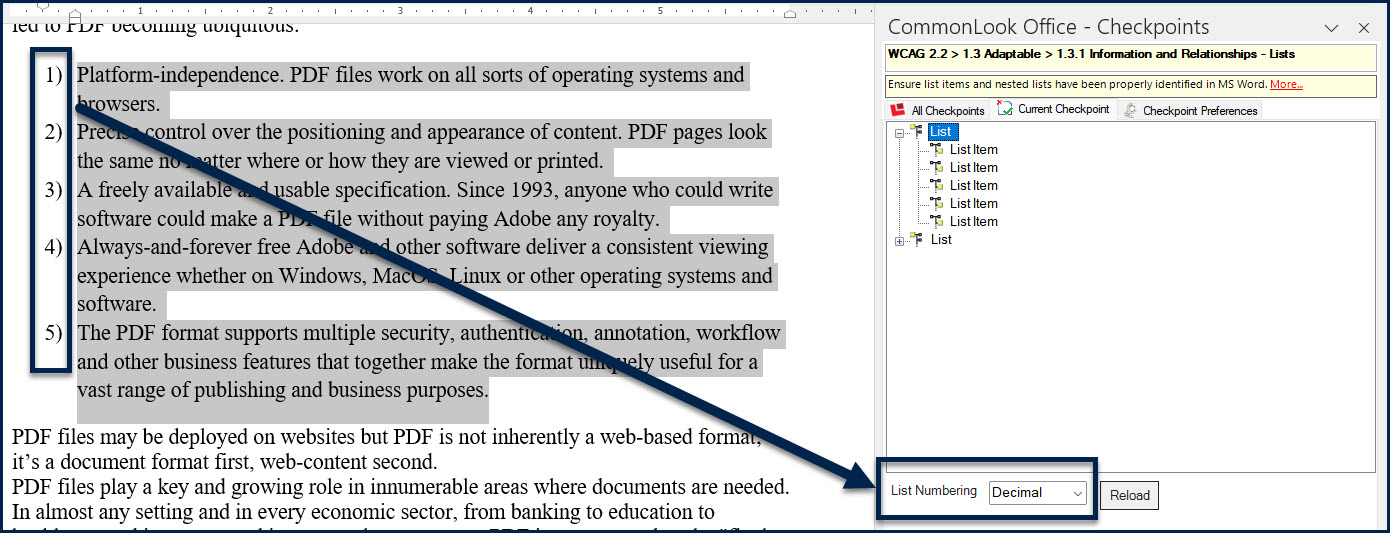
List numbering options are as follows:- None: Use this for unordered lists if none of the following options are appropriate.
- Disc: Used for bulleted lists where the labels are solid circles.
- Circle: Used for bulleted lists where the labels are open circles.
- Square: Used for bulleted lists where the labels are squares.
- Decimal: Used for ordered lists where the labels are Arabic numbers.
- Upper Roman: Used for ordered lists where the labels are upper case Roman numerals.
- Lower Roman: Used for ordered lists where the labels are lower case Roman numerals.
- Upper Alpha: Used for ordered lists where the labels are capital letters.
Guidelines and Standards
This checkpoint is relevant to the following regulations, guidelines and standards:
| Document | Published | Scope | Conformance Criteria |
|---|---|---|---|
| W3C WCAG 2.0 (REVISED SECTION 508 – 2017) |
2008 | Web Content | 1.3.1 |
| W3C WCAG 2.2 | 2023 | Web Content | 1.3.1 |
| Health and Human Services – HHS (USA) | 2008 | HHS 508 PDF Checklist | 5.1 |
| Health and Human Services – HHS (USA) | 2021 | HHS 508 PDF Checklist | 4G, 4H |
| ISO 14289-1 (PDF/UA-1) | 2014 | PDF Technology | 7.6 |
| ISO 14289-2 (PDF/UA-2) | 2024 | PDF Technology | 8.2.5.16, 8.2.5.25 |